Drop and give me twenty.
The push-up trainer you tap with your nose. Phone on the floor, nose to the screen — every rep counted, every session planned. Six weeks, from wherever you start to a number you'll brag about.
Week one free · 99¢ unlocks the full program · No ads
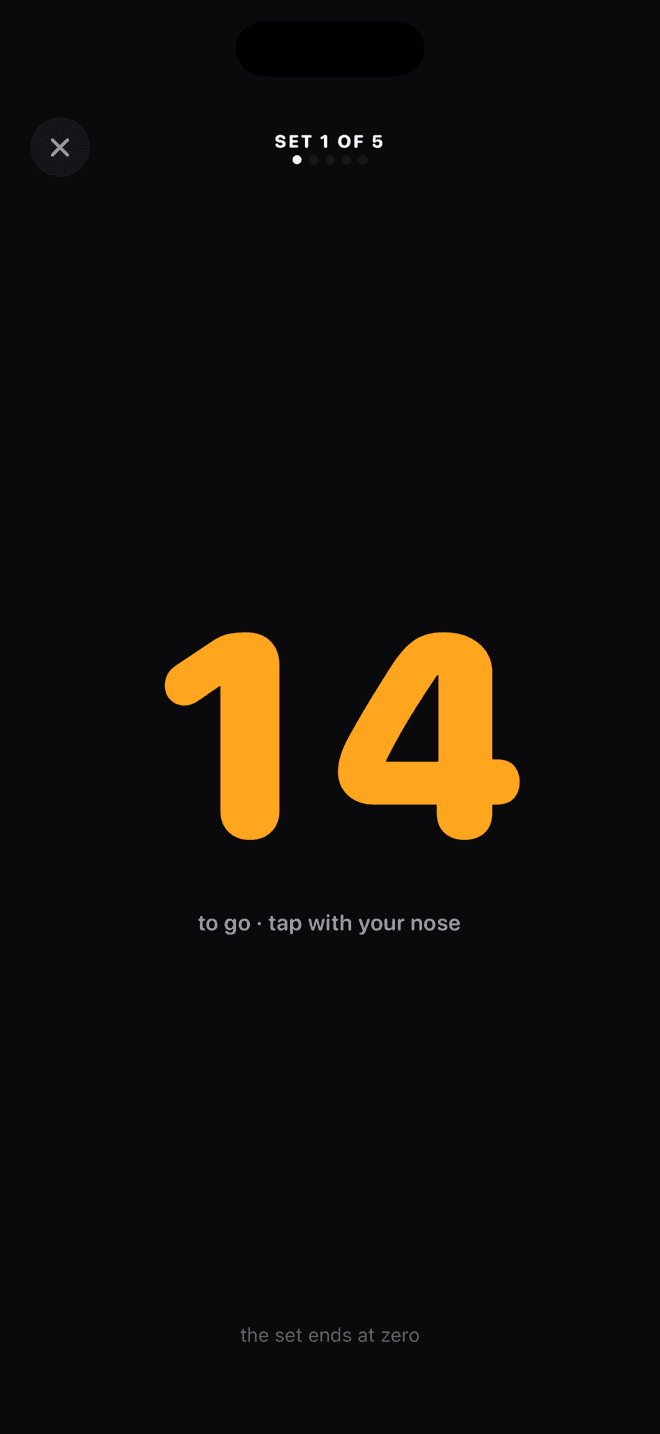
Watch it count.
This is the placement test, exactly as it happens: phone on the floor, nose to the screen, sixty honest seconds. Then the app builds your six-week plan from wherever you land.
How it works
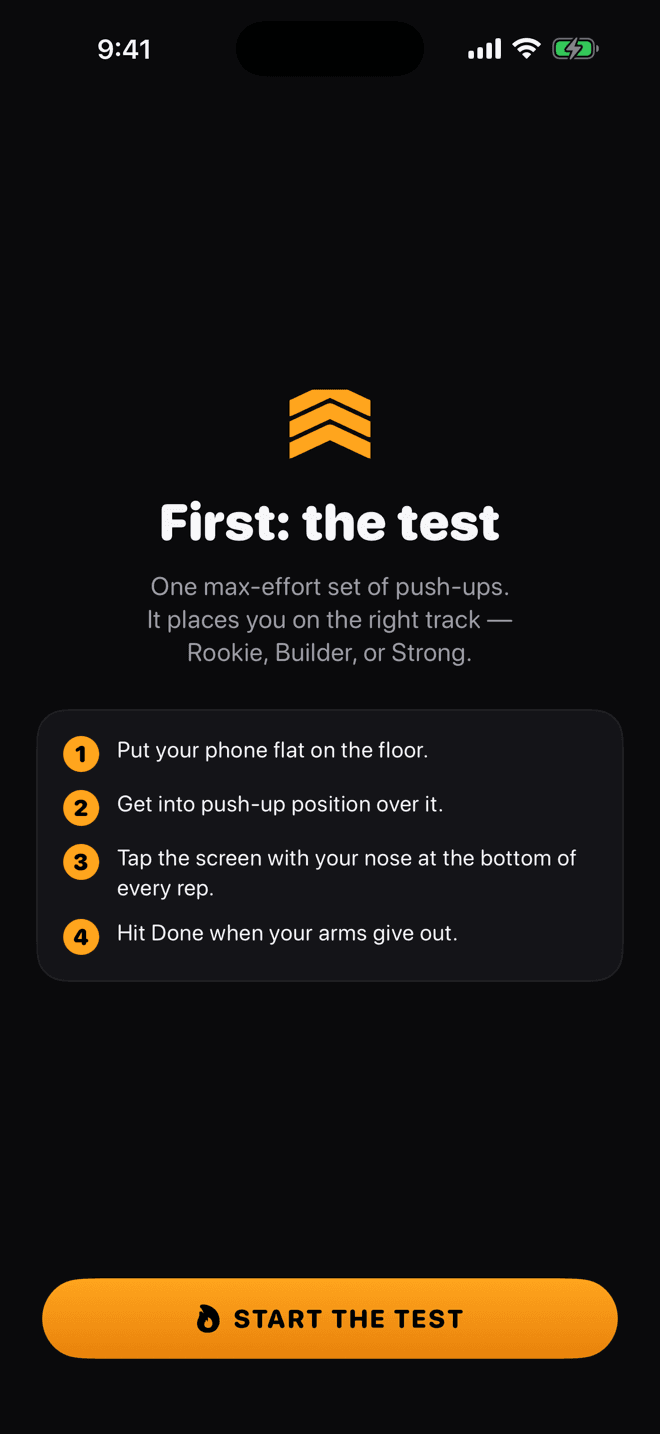
Take the test
One max set of push-ups, nose-tap counted. It places you on the track that fits — Rookie, Builder, or Strong.
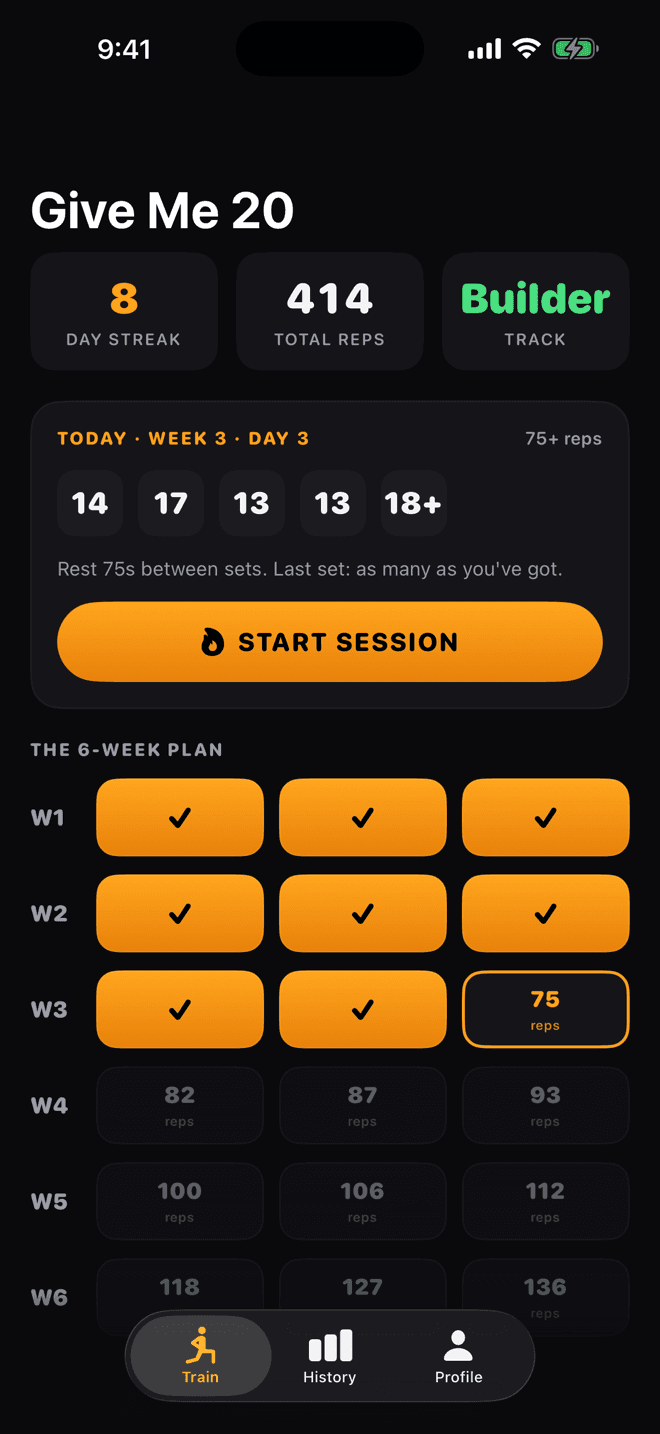
Follow the plan
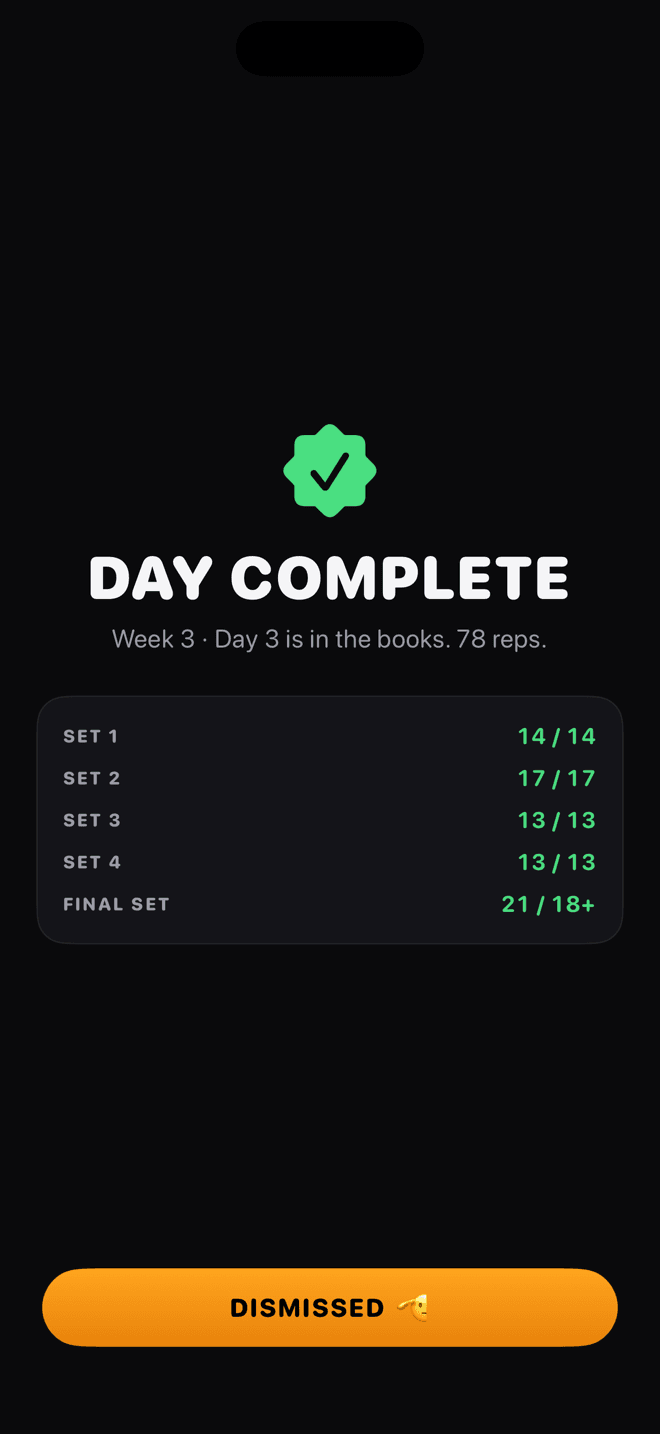
Your 6-week grid shows every session ahead of you. Today's card tells you exactly what to do: five sets, rest between, final set all-out.
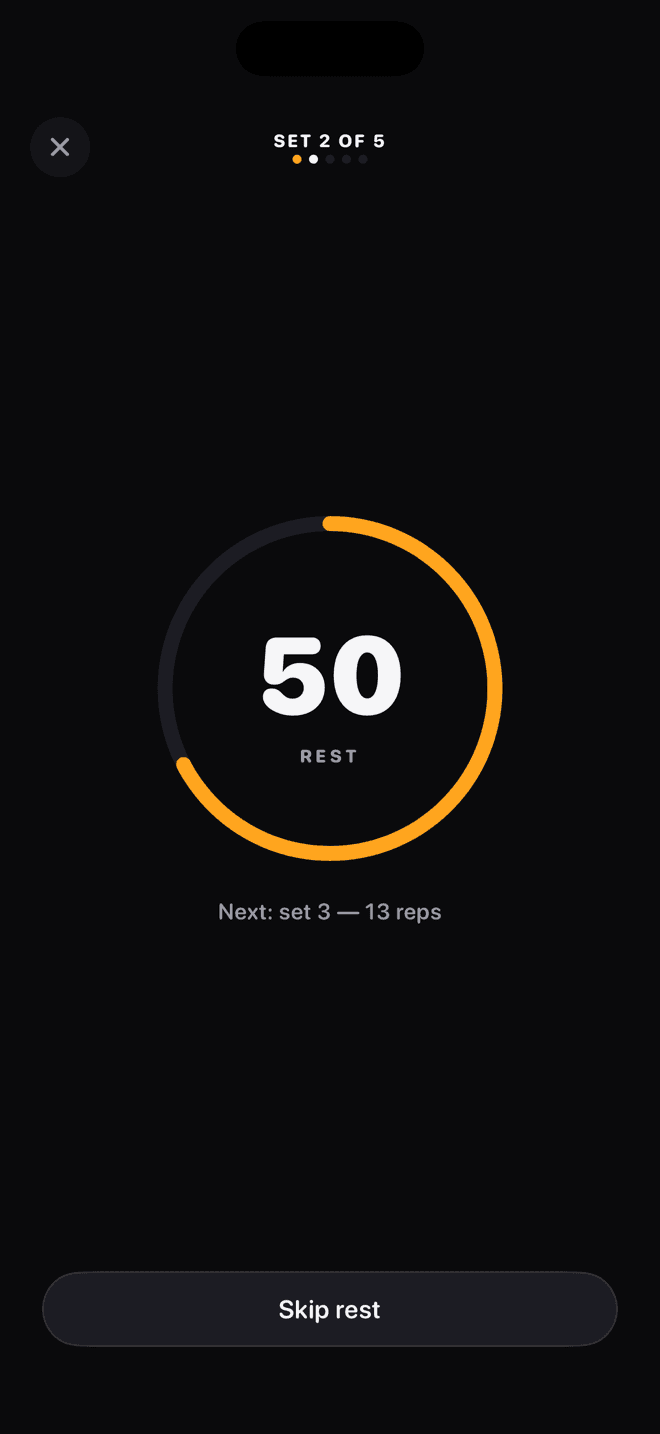
Nose down, count down
Start the session, get over your phone, and work. Each nose tap counts a rep down to zero. Rest timers run themselves.
Built around one honest rep counter
Count with your nose
Phone flat on the floor, you in push-up position over it. At the bottom of every rep your nose taps the screen — a heavy haptic thud and a tick confirm it. No clickers, no counting in your head, no lost reps.
Start where you are
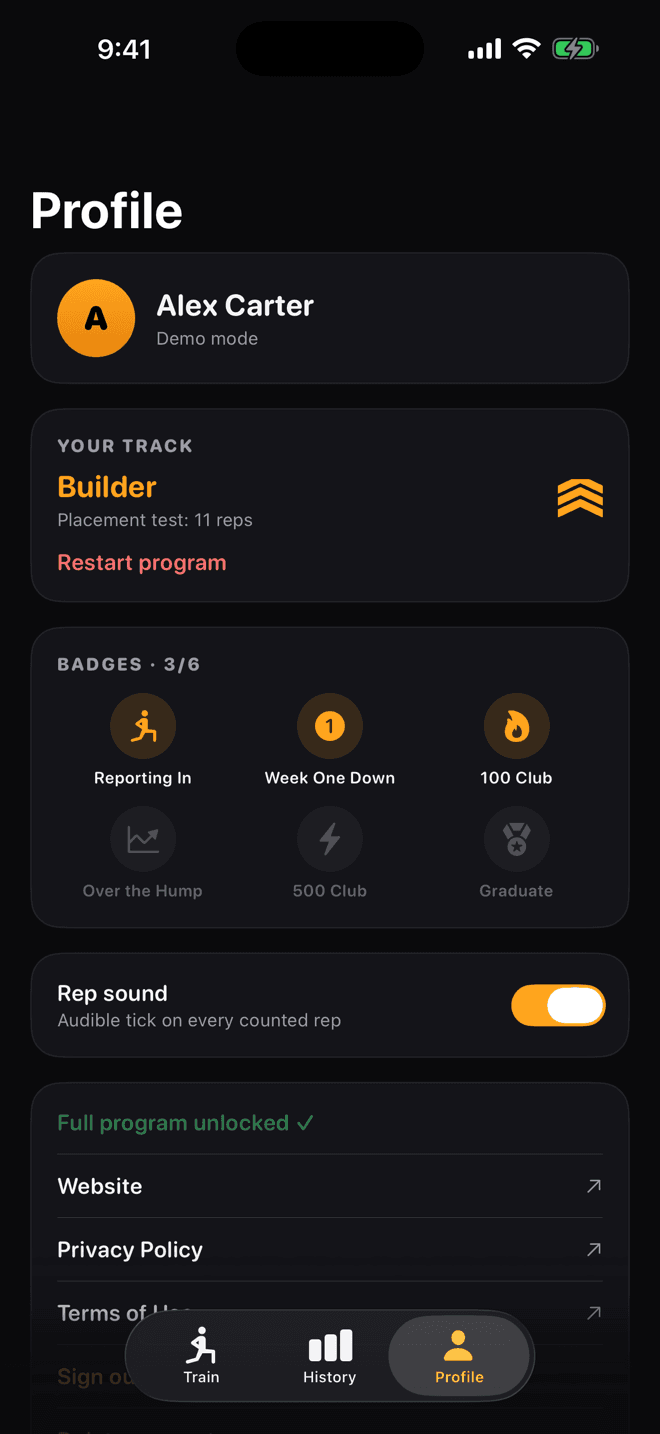
One max-effort placement test sorts you onto the Rookie, Builder, or Strong track. Two push-ups or twenty-five — the plan meets you there.
A plan that gets harder
Six weeks, three sessions a week, five sets a session with rest timers built in. Every week asks a little more, and the final set of every day is max-effort — so the ceiling keeps moving.
Progress you can feel
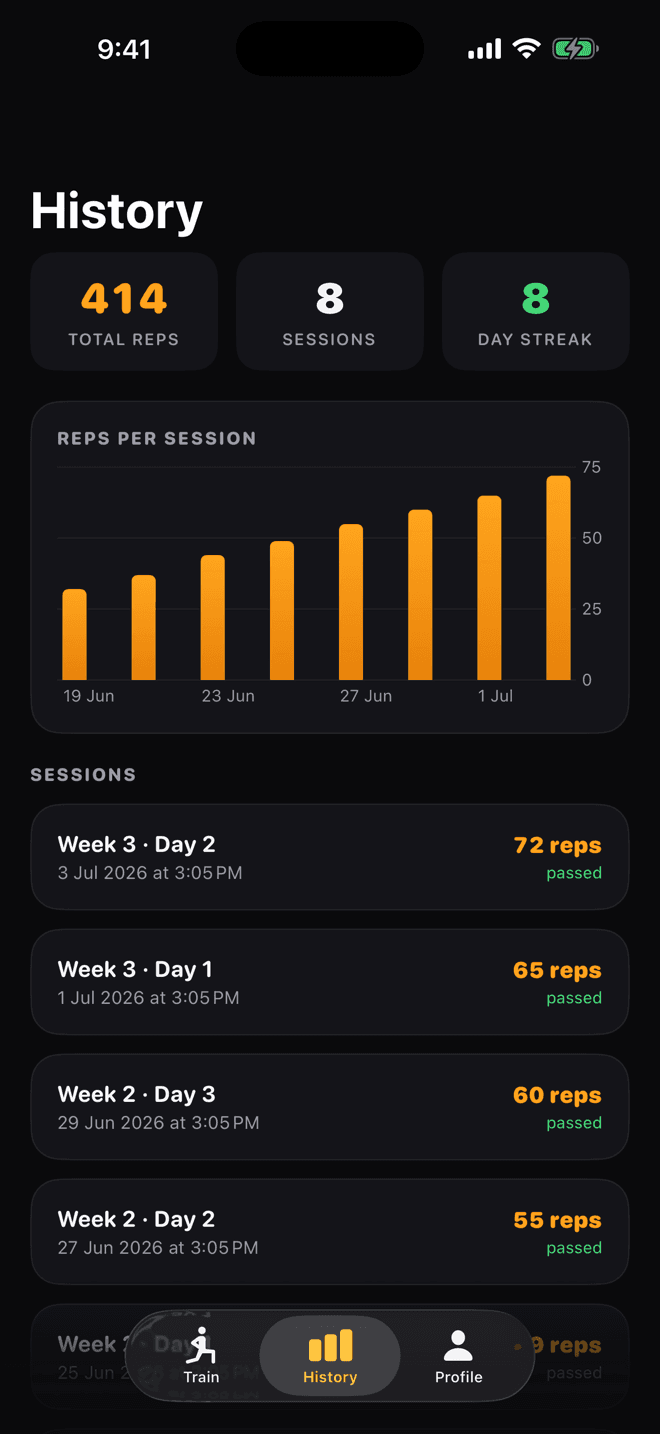
Streaks, all-time rep count, per-session charts — and a home-screen widget that keeps your streak staring at you.
Challenge your friends
One tap after any session sends your rep count with a challenge link — "beat that." Counted by nose, verified by gravity; no disputed numbers.
Earn your stripes
Badges for the milestones that matter — first session, the 100 club, the 500 club, graduating the program — plus an auto-made share card after every workout.
Straight from the app
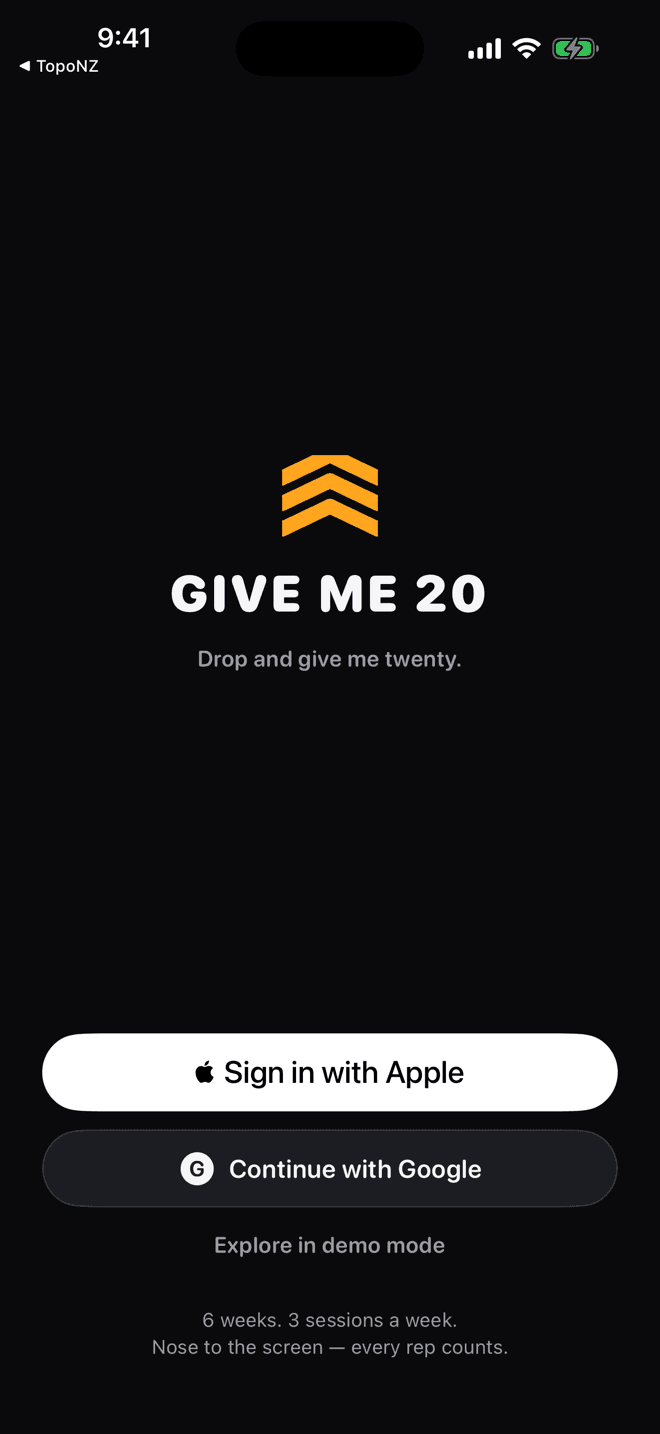
Real screenshots. This is exactly what you get.
Questions
›Why tap with my nose?
Because it proves the rep. A nose tap means your chest actually came down to the floor — full range of motion, every time. It also means the app counts for you, so you can empty the tank without keeping score.
›What if I can barely do a push-up?
That's exactly who the Rookie track is for. It starts at sets of two and three. Six weeks later you'll be doing more in one session than you thought possible on day one.
›What does it cost?
Week one — the placement test and three full sessions — is free. One 99¢ purchase unlocks the rest of the program. No subscription, no ads.
›What do you do with my data?
You sign in with Apple, Google, or email; we store your workout log and nothing else. No ads, no tracking, no selling anything to anyone.
›Can I compete with friends?
Yes — after any session, tap "Challenge a friend" to send your rep count with a link. They see your number, download the app, and try to beat it. Nose-counted reps mean nobody can argue the score.
›Android?
iOS first. If enough people ask, we'll do the rest.